Edit Tax Invoices Billing Information?
Edited
Access Shopify invoice editing
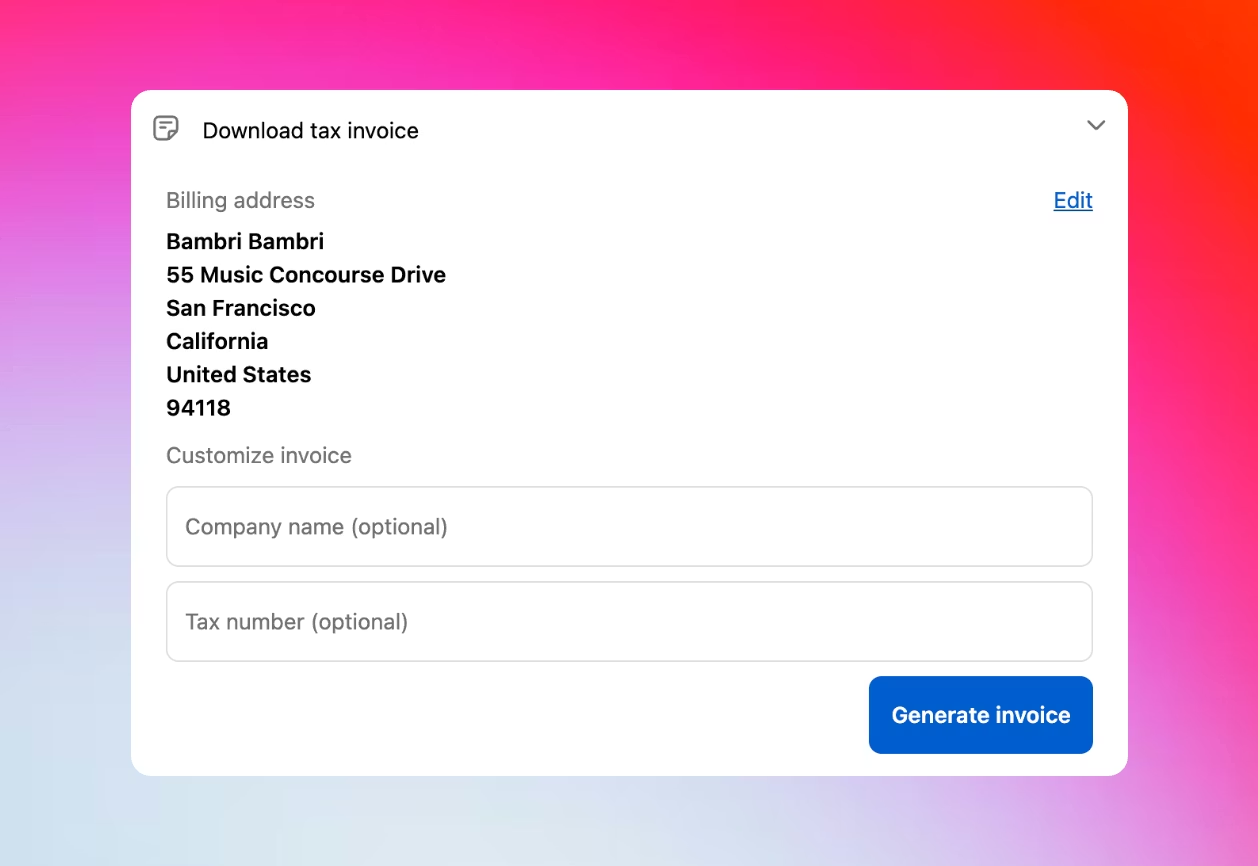
From the Customer Portal, customers click Download tax invoice to access their billing information.
Edit Shopify billing address
Update any billing address fields - name, street address, city, state, postal code, or phone number on the Shopify invoice.
Add business tax information
Enter company name and tax registration number in the “Customize invoice” section for business compliance.
Generate corrected Shopify invoice
Click Generate invoice to create a new PDF tax invoice with the updated billing and business information.
Download tax invoice
The corrected Shopify tax invoice downloads immediately for business accounting and tax compliance records.